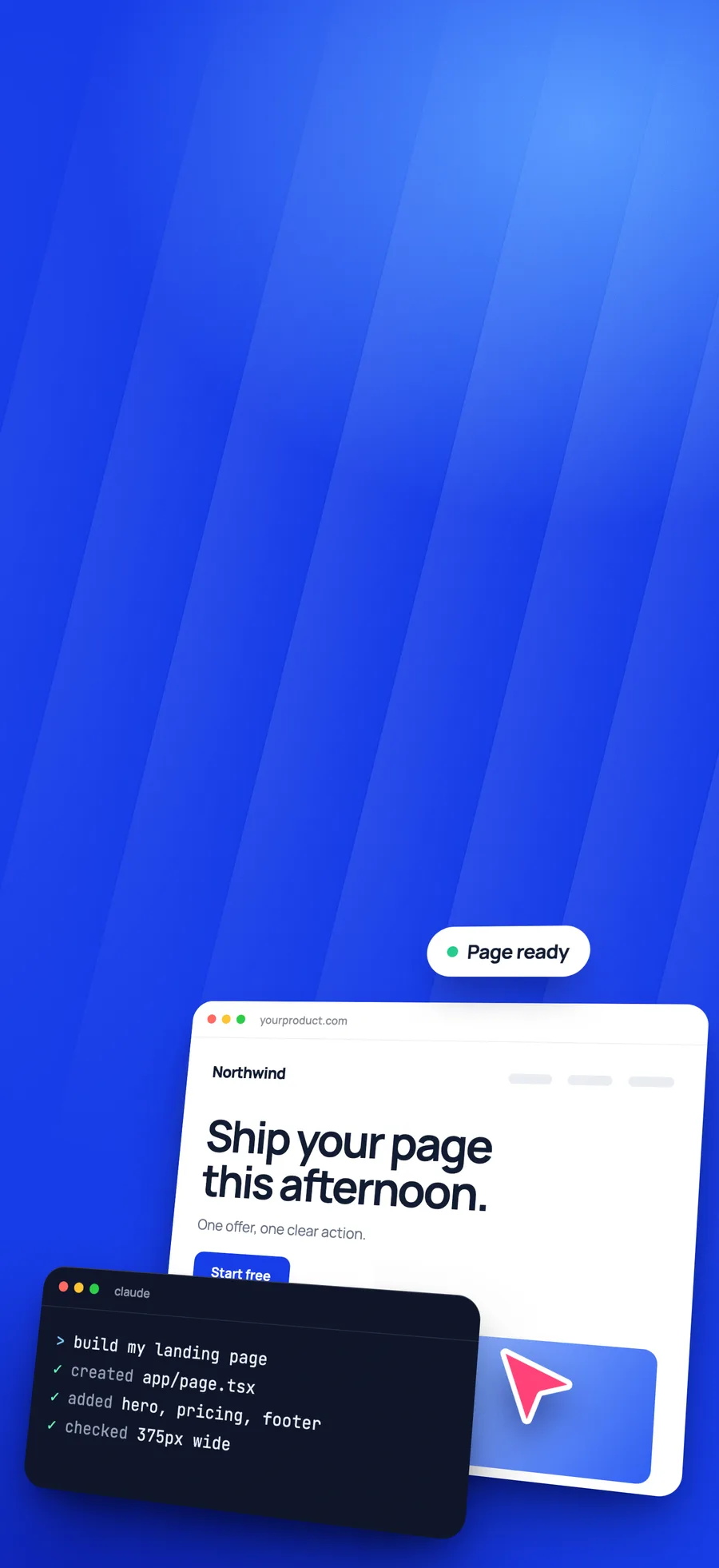
Key takeaways
- Decide the offer, the visitor and the one action before you type.
- Send one complete brief, then fix one thing at a time.
- Remove anything the AI invented, then check it on a phone.
What you need
Claude Code is Anthropic's coding agent. It reads and writes files in your project, runs commands and shows you what it changed. It works in the terminal, in VS Code and JetBrains, in a desktop app and in the browser, so you do not have to use a terminal if you would rather not.
- A paid Claude plan. Claude Code comes with Pro, Max and Ultra, and not with the free plan.
- Node.js on your computer if you are building with Next.js or React.
- An empty folder for the project.
- The real words for your page: what you sell, who it is for and what you want them to do.
Decide three things before you type
If you ask for a landing page and nothing else, you get the average of every landing page: a big headline, three feature cards, three testimonials and a footer. It is tidy, and it could be selling anything. Three decisions change that.
- The offer. One sentence that says what the visitor gets.
- The visitor. Who arrives, and what they already know when they land.
- The one action. A trial, a call, a purchase or a signup. Pick one and repeat it down the page.
The build, step by step
Open the project
Start Claude Code in your empty folder. You can create the Next.js project yourself or ask for it in your first message.
Send one complete brief
Put the offer, the visitor, the action, the sections, the colours, the fonts and the motion in one message. A complete brief costs less back and forth than ten small requests.
Run it and look
Ask Claude Code to start the dev server, then open the page in your browser. Read it as a visitor before you judge the design. Does the first screen say what this is?
Fix one thing at a time
Name the section and say what is wrong: "the hero headline wraps to four lines on a laptop, keep it to two." Vague notes like "make it better" get vague results.
Check it on a phone
Most visitors will be on one. Check the headline size, the button reach and that nothing scrolls sideways.
Put it online
Ask Claude Code to push the project to GitHub, then connect the repository to a host that builds Next.js, such as Vercel or Netlify. Add your domain in the host's settings.
A brief you can copy
Replace the words in capitals. The rules at the end matter as much as the design notes, because they stop the most common mistakes.
Build a single landing page in Next.js with the App Router, TypeScript and Tailwind.

Offer: WHAT THE VISITOR GETS, in one sentence.
Visitor: WHO THEY ARE and what they know when they arrive.
One action: THE BUTTON, repeated in the hero and at the end.

Sections, in this order:
1. Hero with the offer as the headline and one button
2. The product, shown rather than described
3. Three reasons to choose it, written from the visitor's side
4. Pricing or the next step
5. Closing section with the same button

Look: COLOURS with hex values, FONTS for headings and text, and one idea this page should be remembered for.

Rules:
- Do not invent customers, numbers, logos or testimonials. Leave a clearly marked gap for me to fill.
- The page must work at 375px wide with no sideways scrolling.
- Respect prefers-reduced-motion.
- Start the dev server when you finish and tell me the address.
Where the first draft goes wrong
- Invented proof. AI tools happily write fake testimonials and statistics. Remove every one before the page goes live.
- The action sinks. The page fills up with sections and the button ends up far down the page. Ask for it in the first screen.
- The same look as everyone else. Our guide on prompts that do not look AI-made covers this one in detail.
- Slow images. Ask for compressed images with fixed sizes, and check the page with PageSpeed Insights once it is live.
Or start from a finished design
Skip the blank page. A long prompt is hard to write well the first time. Each kit is a finished page with the full prompt behind it. Paste it into Claude Code, let it build, then swap in your own words. See landing page templates


