

Orbit
Premiumsource code3d scenethree.jsnext.js
Premium website templates, animations, prompts, and production-ready code for Next.js, React, Claude Code, and Cursor.
Browse production-ready kits, source code, and 3D scenes - all organized for fast discovery and consistent team delivery.
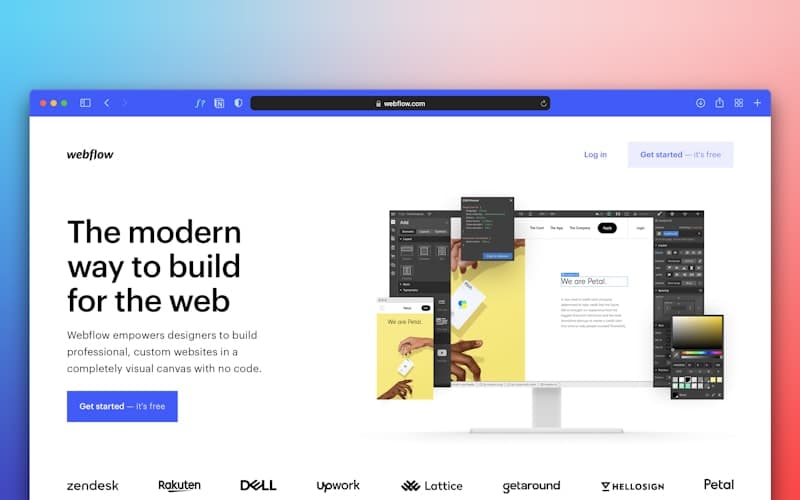
We design and ship bespoke prompt kits and premium production-ready code for teams who need something no template can offer.
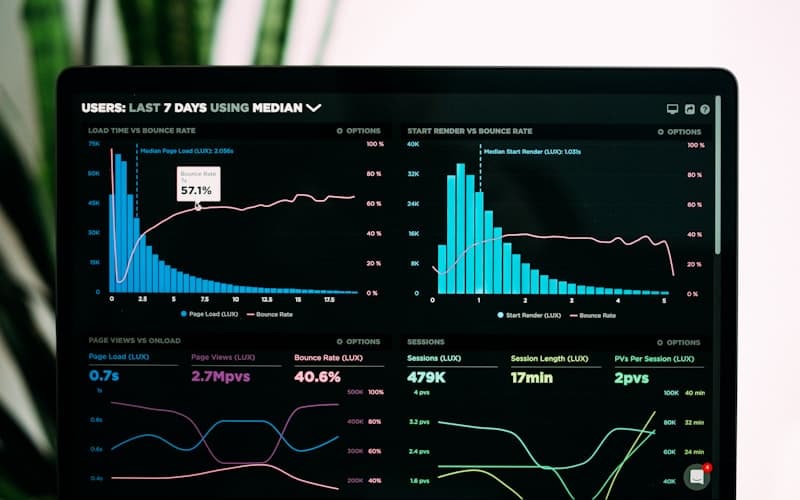
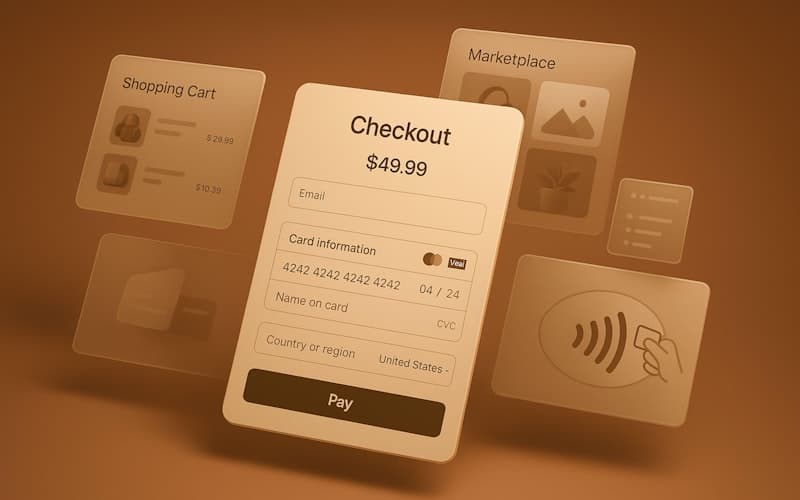
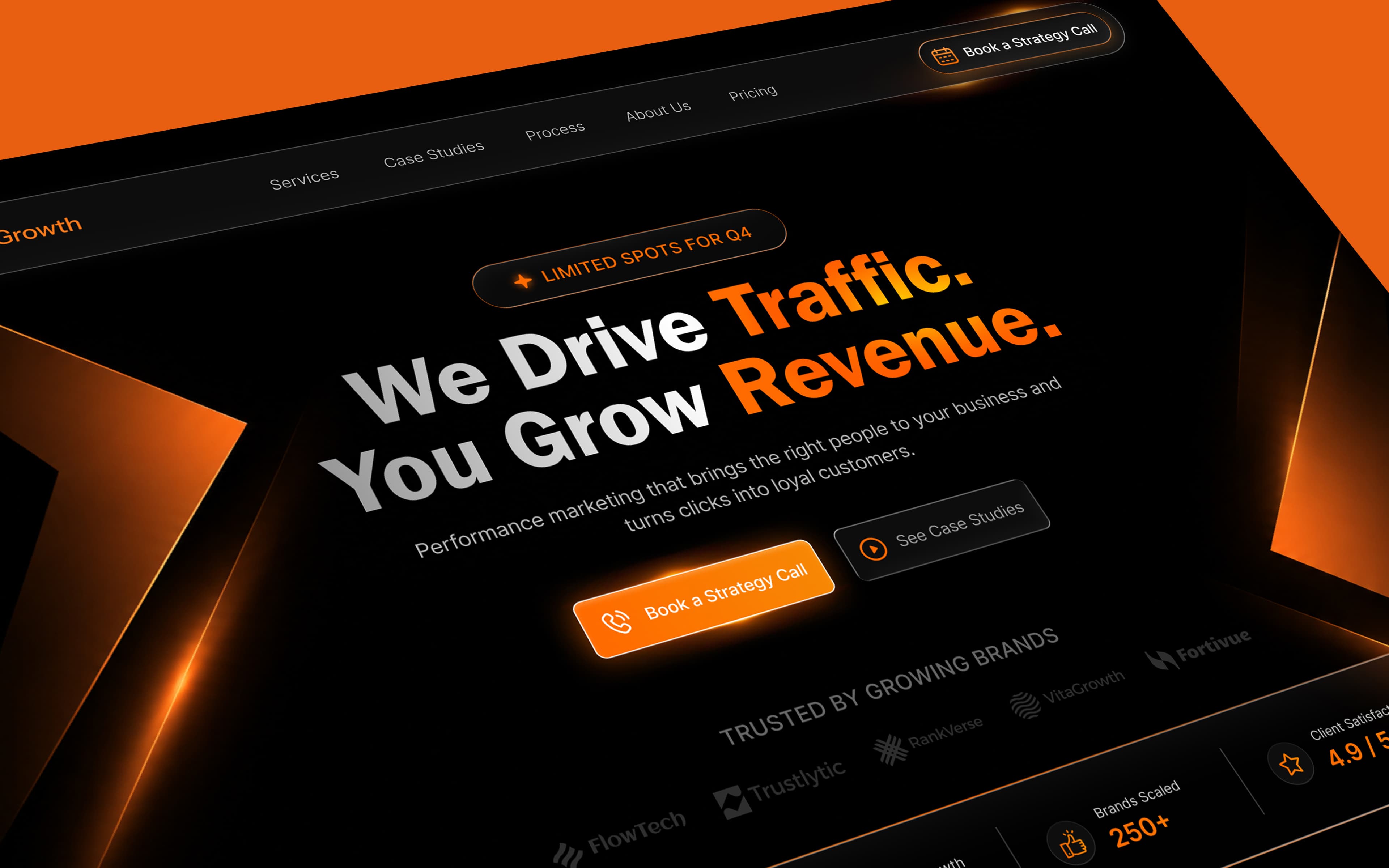
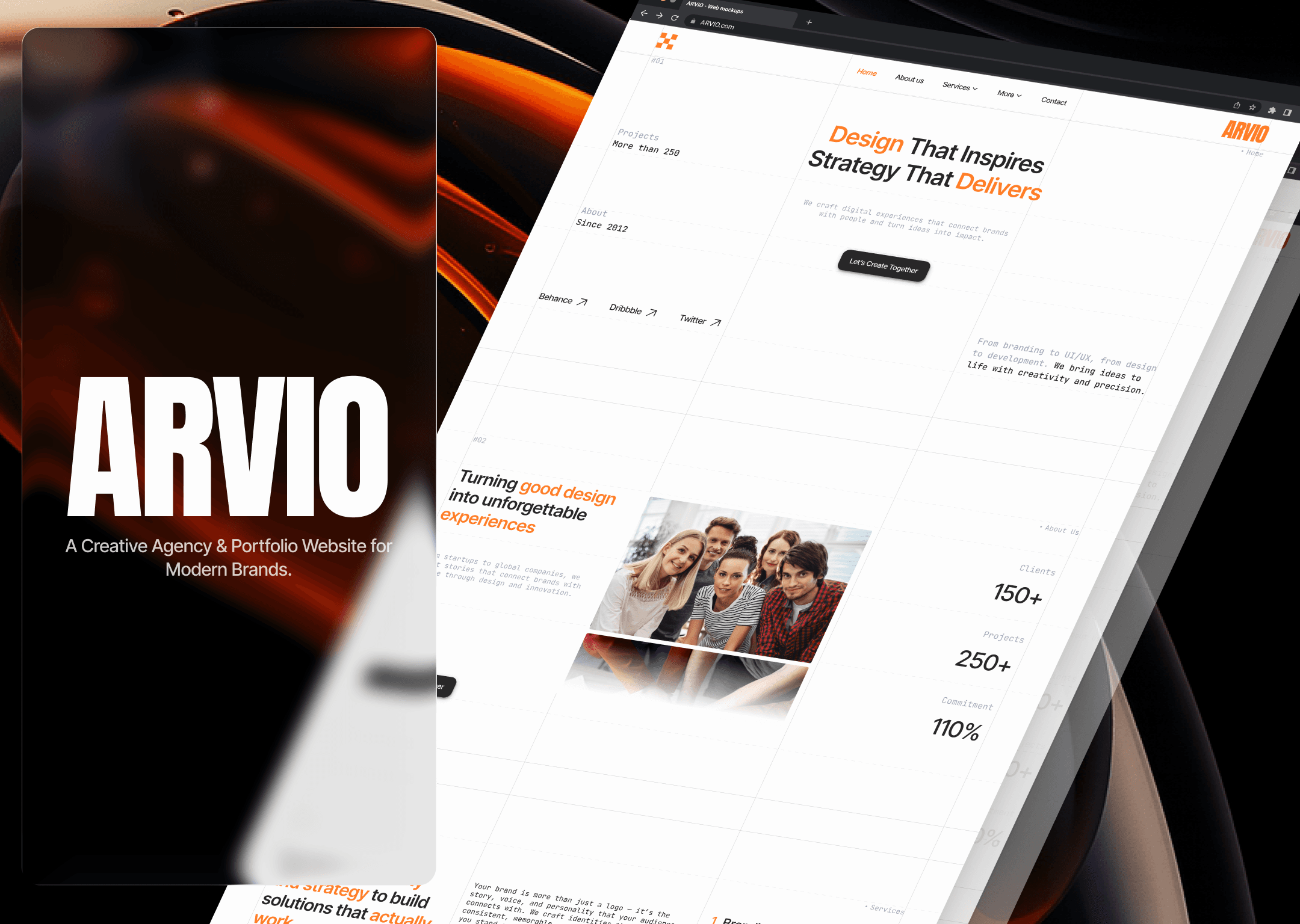
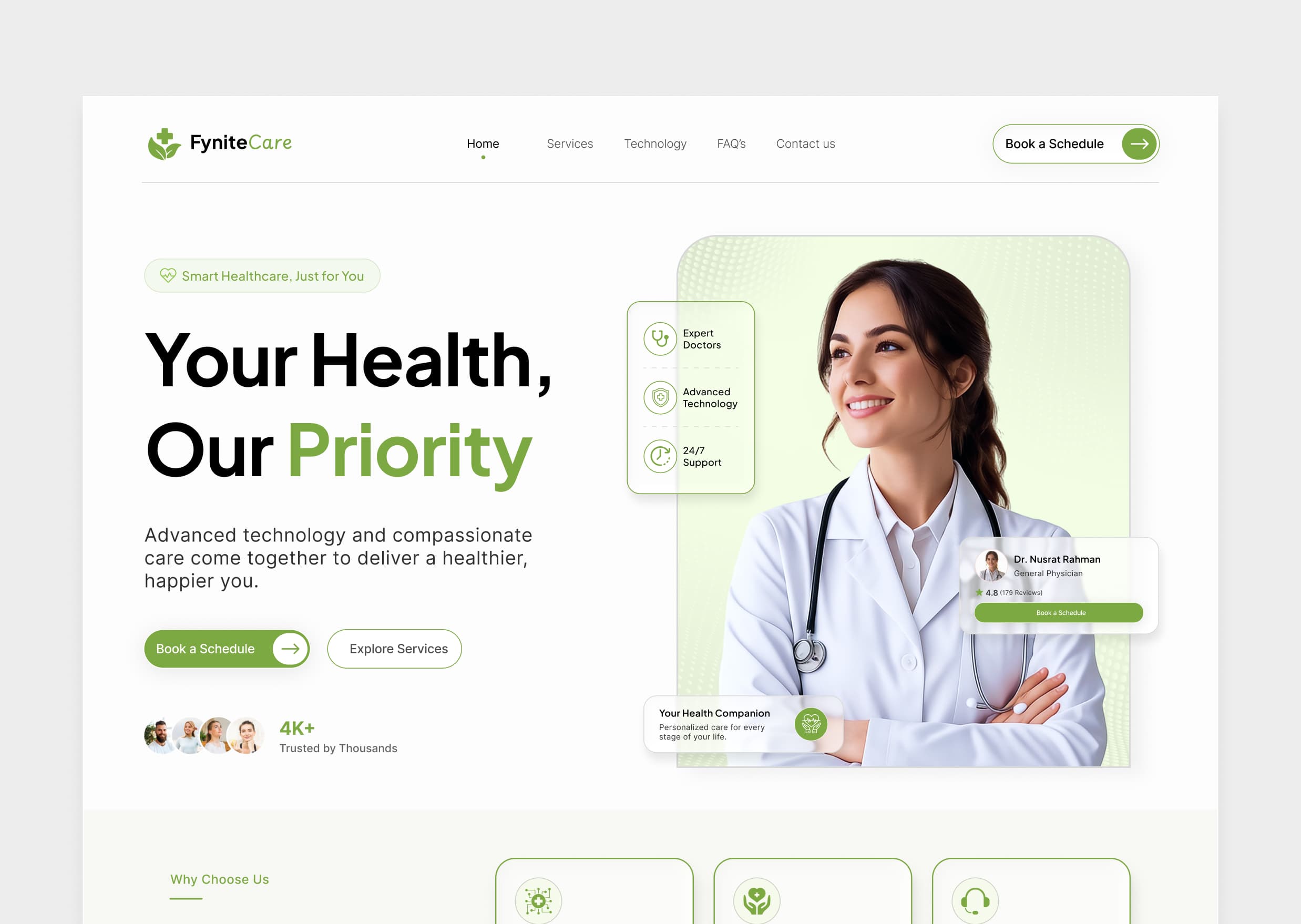
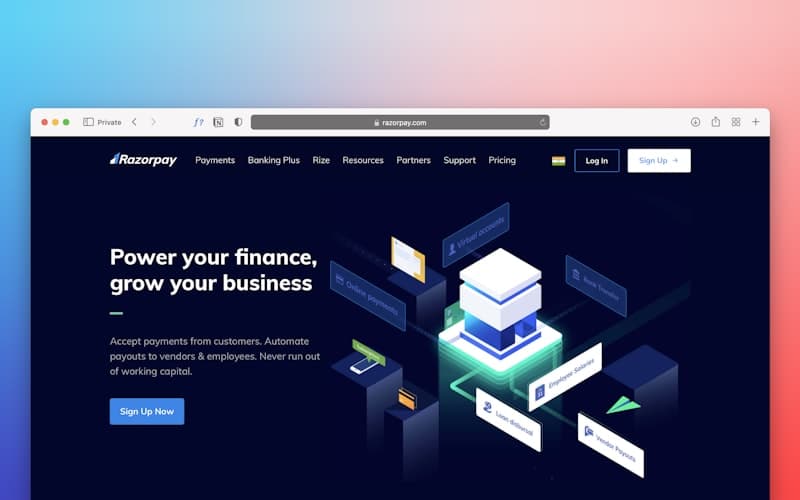

Find a kit, take the prompt, generate it with your AI tool of choice — then make it yours.
Browse the library and find a kit whose tone, mood, and category fit what you're building.
Copy the prompt — or, on Studio/Legacy, download the source code instead, on kits that include it.
Paste it into Claude, Cursor, or your AI coding tool of choice and generate.
Adapt the result — copy, colors, content — into your own project.
AI can generate almost anything. The difference is how much of the design is already decided before you start.
“Build me a modern landing page for my SaaS.”
“Build from this Fynite Kit. Use the existing type scale, spacing system, component structure, visual hierarchy, responsive behavior, and interaction patterns. Adapt the content to my SaaS product while preserving the design system.”
Don’t start with a blank canvas. Start with a better foundation.
Explore Fynite KitsWith a blank prompt, AI makes the design decisions. With Fynite Kit, you start with a foundation that already works.

 Fynite Kitready to build
A better foundation means less guessing, faster iteration, and better products.
Less explaining. More building.
Start with a visual system, structure, and hierarchy already in place.
Your first prompt starts ahead.
Give Claude, Cursor, and your AI workflow something meaningful to build from.
Proven patterns. Fewer iterations.
Explore strong design decisions instead of solving every interface problem from zero.
A foundation, not a limitation.
Adapt the colors, content, components, and layout to fit your product.
Everything you need to know before choosing your first Fynite Kit.
Fynite Kit is a curated library of UI kits, design systems, templates, and ready-to-use prompts built to help designers and developers create better products with AI coding tools.
Designers, developers, and teams who build with AI coding tools and want to start from a considered design instead of a blank prompt.
Yes. Prompts are written for and tested with Claude and Cursor, but they're plain text — most capable AI coding tools can use them.
No. Paste a kit's prompt into your AI tool and it generates the code for you. Some familiarity helps when you adapt the result or work with a kit's source code.
Yes. A kit is a starting point: adapt the copy, colors, content, and layout into your own project.
Spark includes prompt access with a fair-use daily copy limit. Studio and Legacy add unlimited prompt copies plus the actual source code on kits that include it.
Yes — every paid plan includes a commercial license to use and adapt kits in personal, client, and commercial projects.
Copy a free kit's prompt right now — no account, no card. Upgrade when you want the whole library.
